FLUX 3 KleinFast, affordable, photo-real
A Black Forest Labs model for series: one character or product across many shots, up to 10 reference photos, images up to 2K
Price shown before you run · One-time payment, no auto-renewal


How much it costs
- Image 1K
- ≈ 1.4 tokens
- Image 2K
- ≈ 2.1 tokens
The exact price is on the button before you run it
Where it shines
One character
The same person in every shot
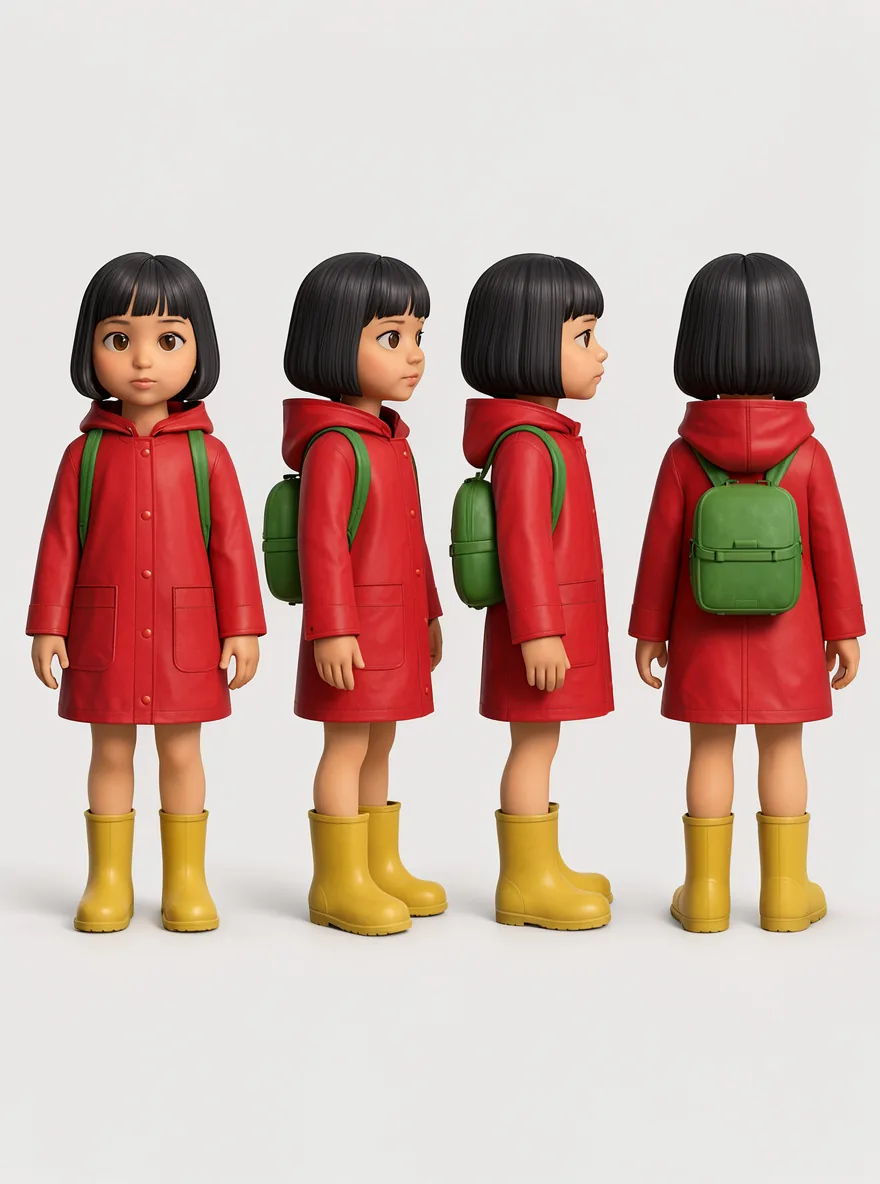
The face, clothes and tattoo stay the same from shot to shot - handy for stories and series
Try FLUX 3 KleinPhotorealism
A real-looking photo for very little
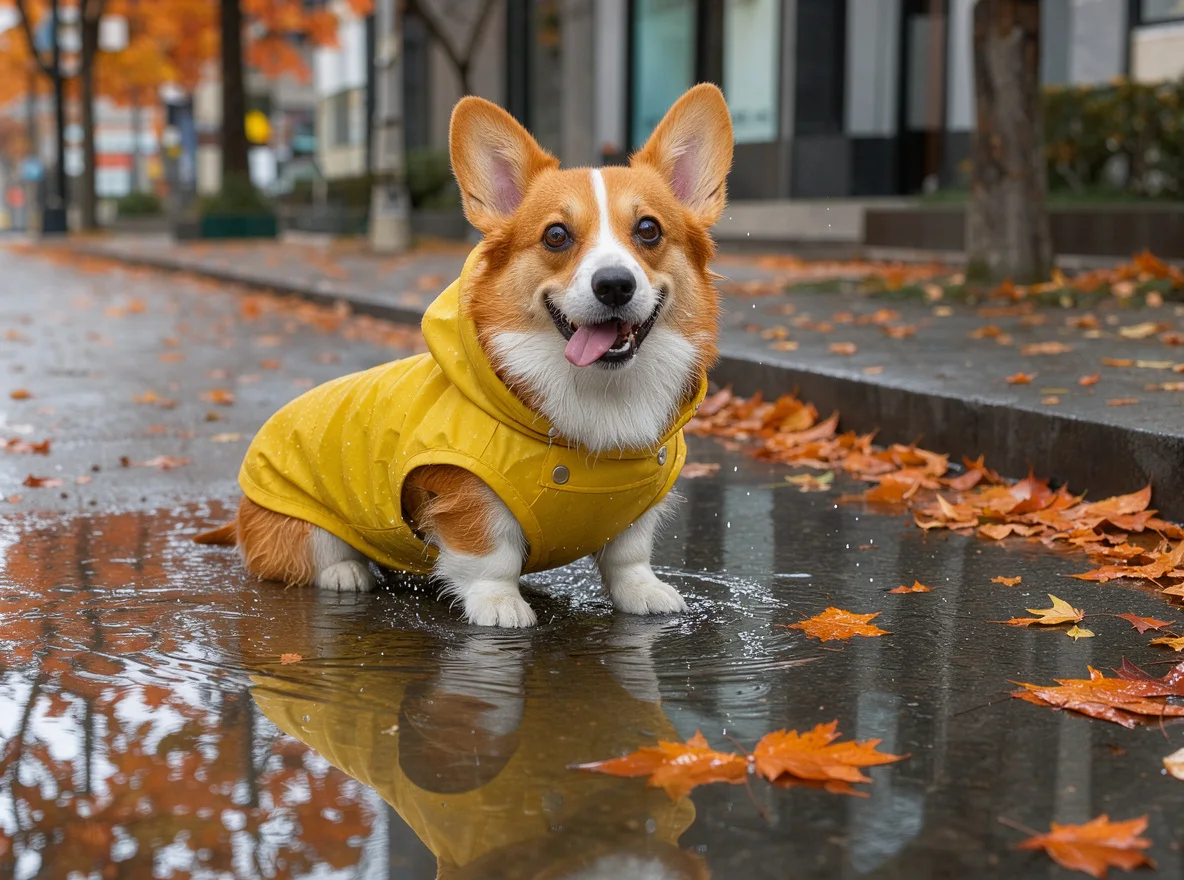
Fur, a puddle and reflections like a real snapshot - try dozens of variations without overspending
Try FLUX 3 Klein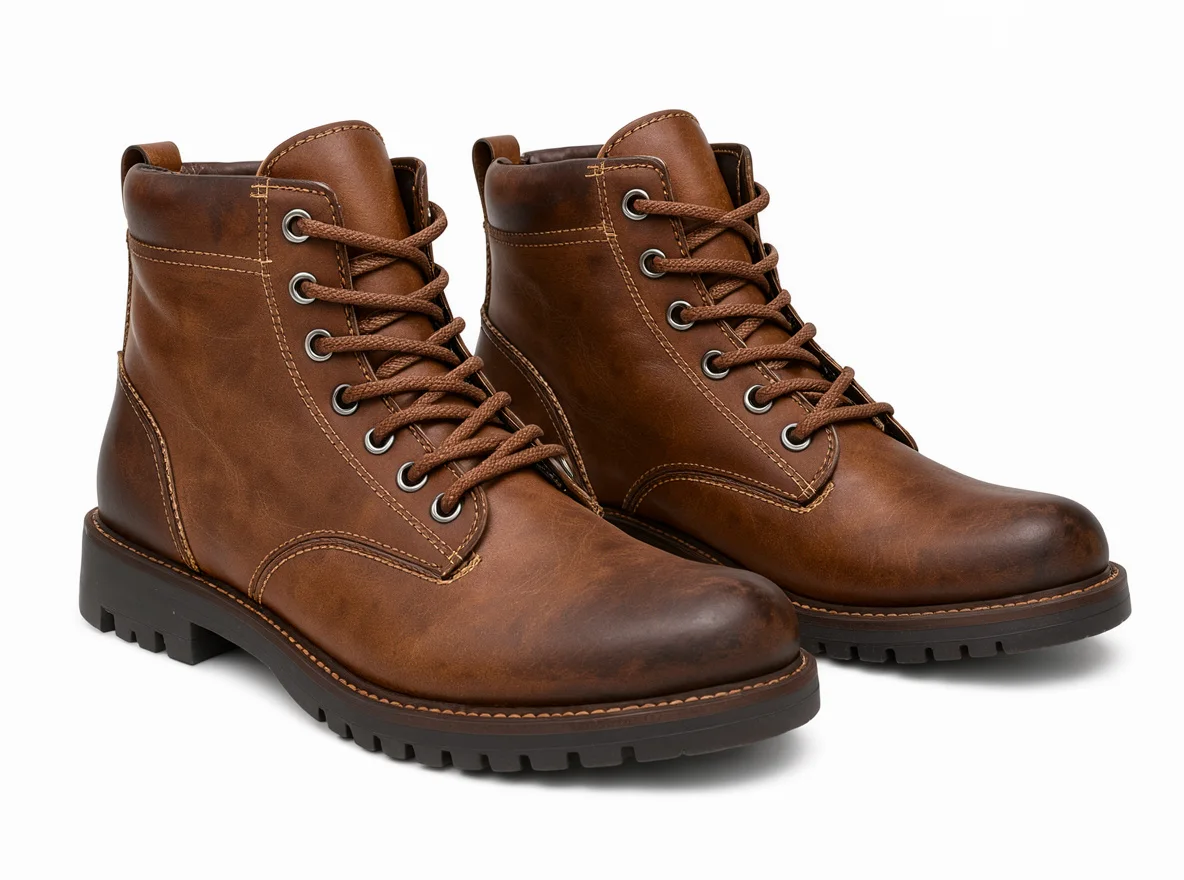
Catalog
A product on white
Even light, a soft shadow and leather texture - shots for product cards and catalogs
Try FLUX 3 KleinMade for
The FLUX family
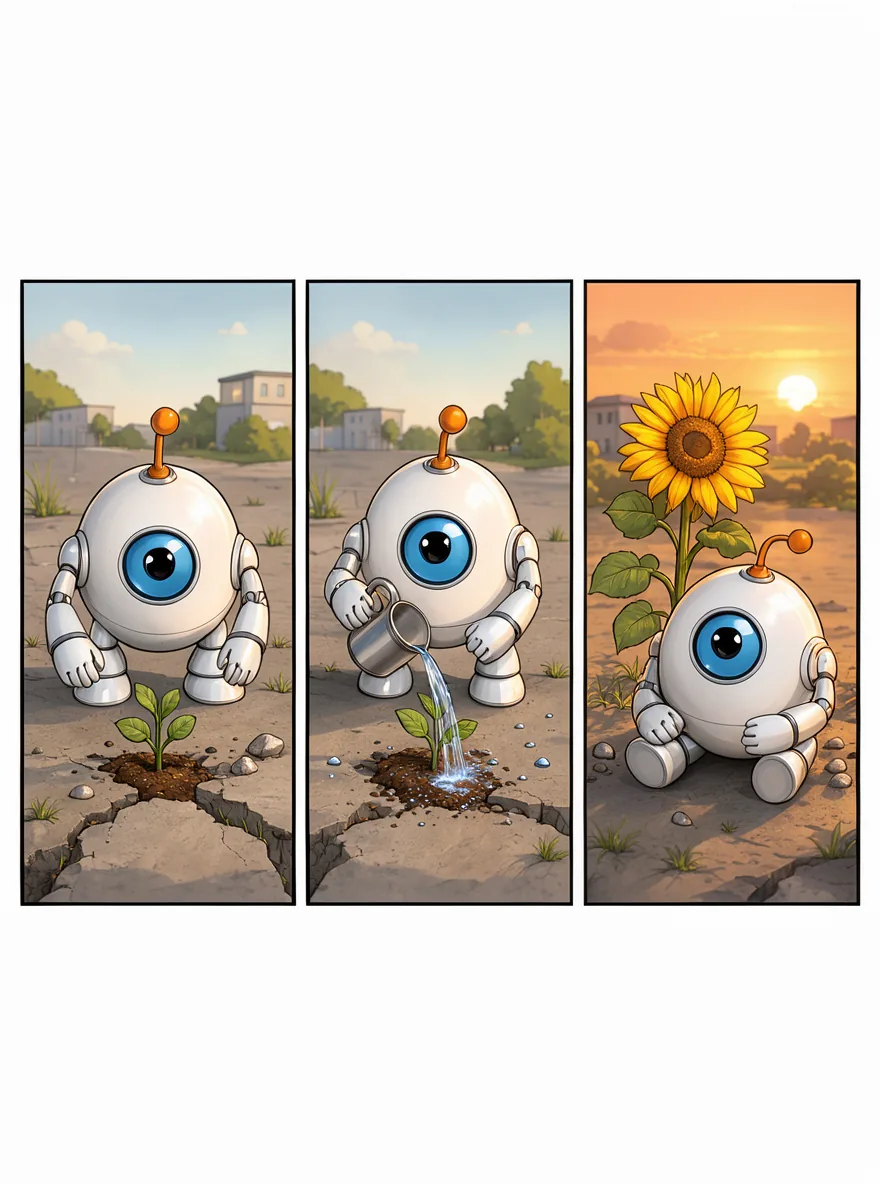
Klein for fast series, FLUX 3 when you need the flagship
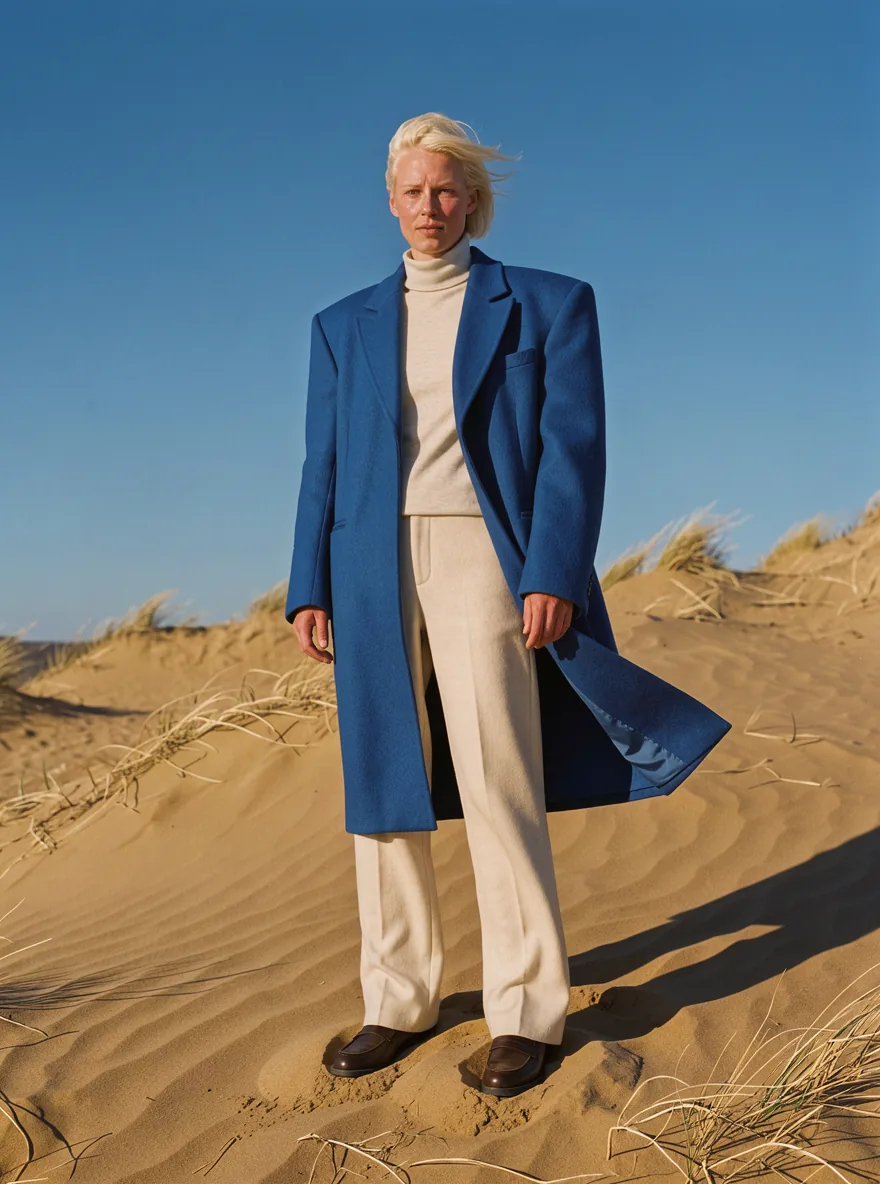
Make one like this
Tap and the prompt is already in the box, just run it
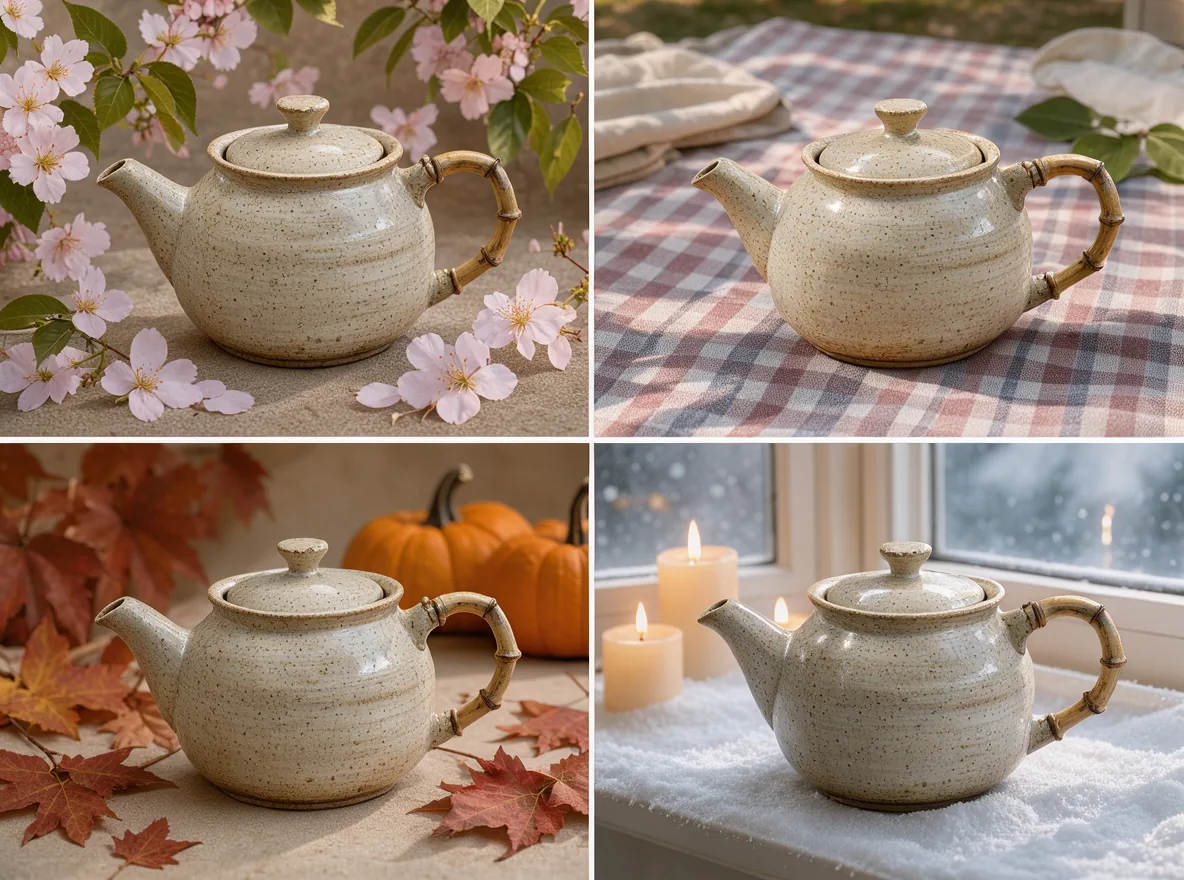
One teapot in four scenes
A 2x2 grid of four product photographs of the very same hand-thrown ceramic teapot with a speckled cream glaze, bamboo handle and a small chip on the lid knob, kept identical in every frame, shown in four seasons: top-left among spring cherry blossoms, top-right on a sunny summer picnic blanket, bottom-left with autumn maple leaves and pumpkins, bottom-right on a snowy windowsill with candles. Thin white gutters, consistent premium styling. No text, no letters, no logos, no brand marks, no watermark.
Repeat · ≈ 1.4 tokens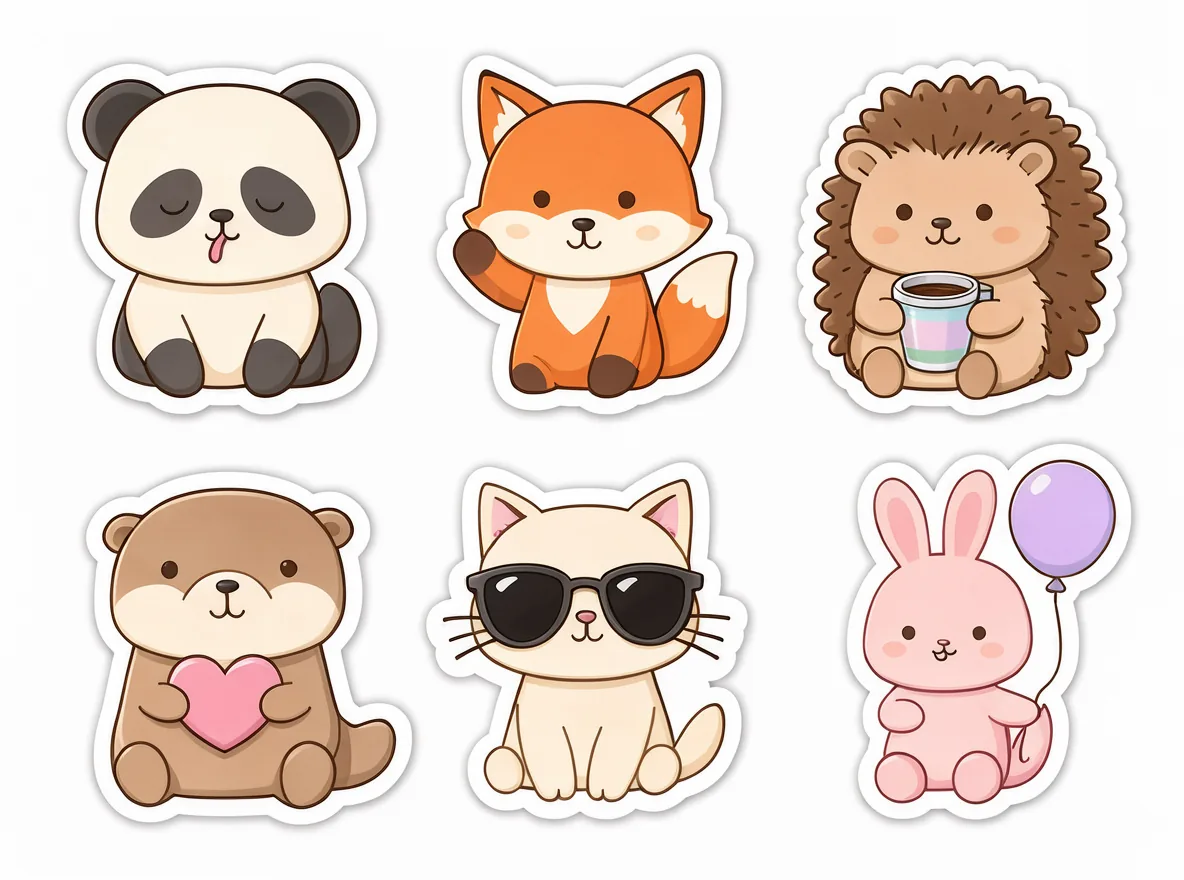
Six animal stickers in one style
A sticker set of six cute animal characters arranged in a neat 3x2 grid on a white background: a sleepy panda, a waving fox, a hedgehog holding a coffee cup, an otter with a heart, a cat in sunglasses and a bunny with a balloon. Same cohesive kawaii style for all six: thick white die-cut outlines, flat pastel colors, simple shading, consistent line weight. No text, no letters, no logos, no brand marks, no watermark.
Repeat · ≈ 1.4 tokensHow to use FLUX 3 Klein
- 1Describe the imageWho is in the frame, where, what light. Add a reference if you like
- 2Pick a formatSquare, vertical or wide, quality and count
- 3Download the resultFix details with words or make another version
Questions about FLUX 3 Klein
Why use multiple references with FLUX 3 Klein?
They provide visual guidance for editing. The model description specifically highlights maintaining characters and objects across images.
Does open-weight mean I can get the weights through Fraxum Art?
No. This is a property of the model. It does not, by itself, mean the service offers weight downloads or local execution.
Helpful guides
Guides and explainers from our blog

Try FLUX 3 Klein
Try for free